
Signing off Payroll
The Time & Attendance module is used in conjunction with the clock in and out function on the PoS terminal. Within the module, rotas can be scheduled, worked hours are confirmed and the payroll week is signed off to complete the process.
At the end of each week, they payroll should be signed off to ensure that the process is correctly completed.
To sign off payroll:
-
Click the Sign Off Payroll button and the employee attendance screen for the week will be displayed.
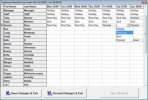
- All the empty cells should be filled out with one of the attendance codes in the list..
- When complete, press the Sign Off Week button to complete the payroll process.
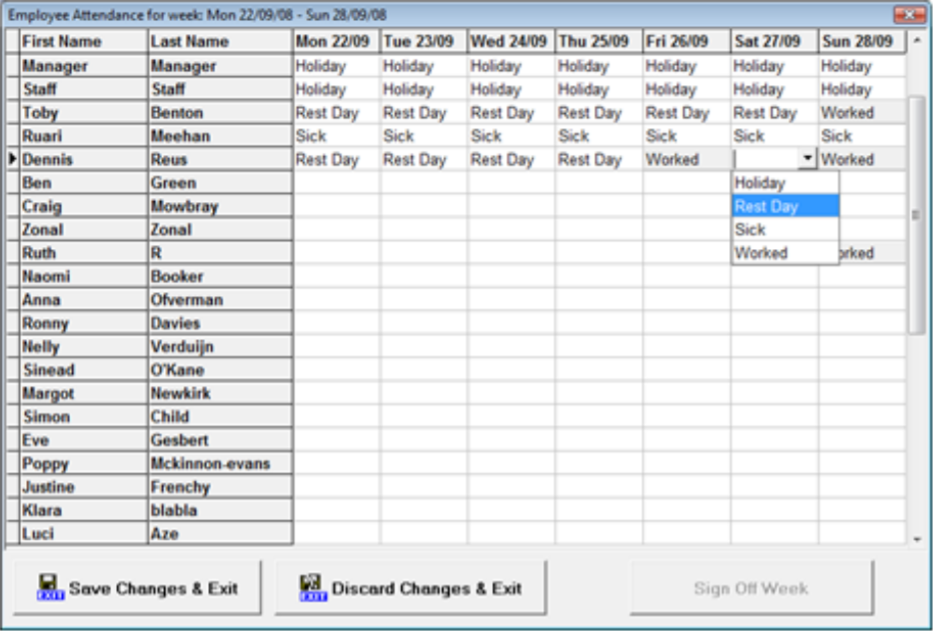
For each of the days worked the appropriate cell will be greyed out with the word “Worked” and cannot be adjusted.